Configuring historical vitals entry
You can customize the source of historical vitals (for example, home, clinic, hospital) when entering them (see Entering historical vitals).
Steps
| 1. | From the main toolbar, choose Configuration > View > Patient Data Codes > Vitals > Historical Vitals Maintenance. The Historical Vitals Maintenance window opens. |
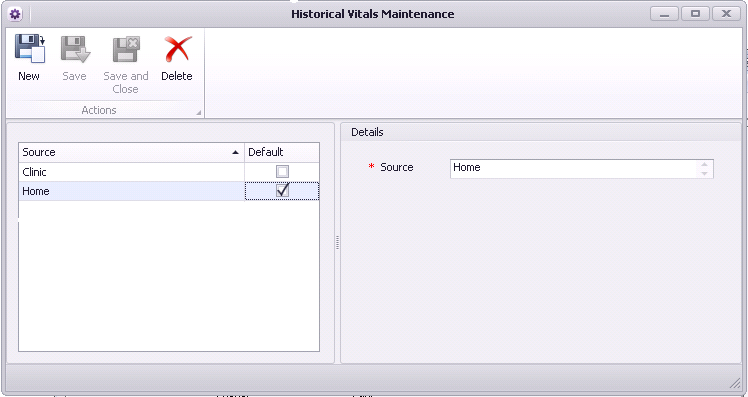
| 2. | Click New  to add a new historical vitals source (for example, home or clinic). to add a new historical vitals source (for example, home or clinic). |
| 3. | Select which source is the default. |
| 4. | When you are done, click Save and Close. |
© 2018 